
Timestamp replay
Jump from transcript text back to the matching audio moment.
 SaidInk
Interview transcription
SaidInk turns interview recordings into private transcripts with editable text, timestamp replay, saved quotes, and export options for real reporting, research, and editorial work.
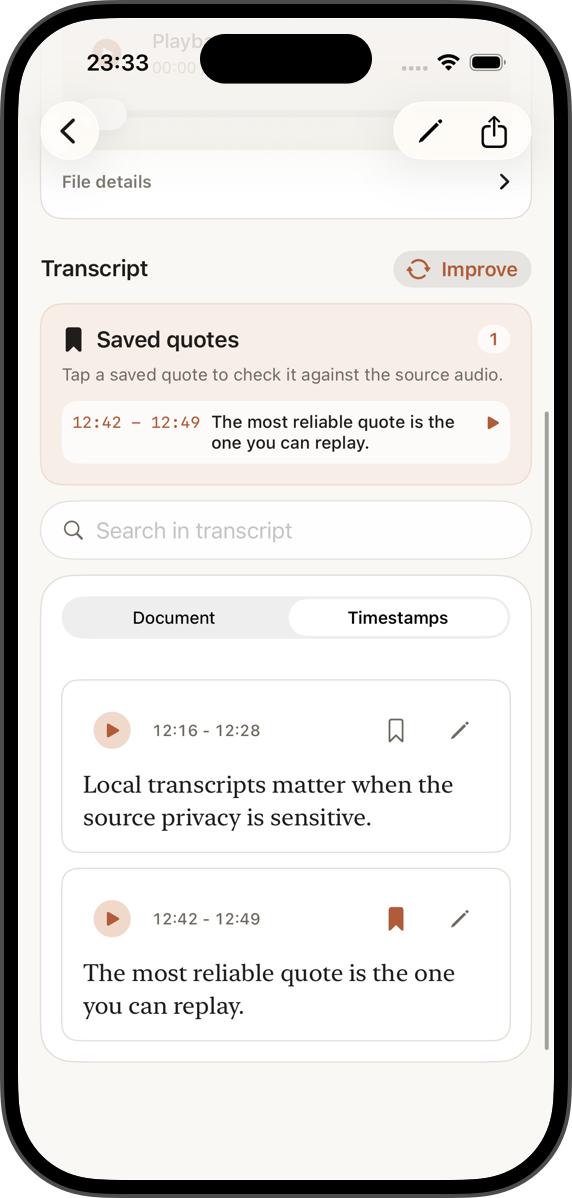
Jump from transcript text back to the matching audio moment.
Bookmark useful passages and keep them source-linked.
Export clean text, timestamped text, quote sets, or subtitles.
Why it matters
Interview work is different from quick meeting notes. You need to know where a sentence came from, whether the transcript guessed a word correctly, and what can be quoted without losing context.
SaidInk keeps the workflow close to the source: local audio, a readable transcript, timestamped verification, and exports that fit writing, editing, and subtitle workflows.
Workflow
Start from Files, Voice Memos handoff, audio/video files, or SaidInk's built-in recorder.
Fast, Balanced, and Accurate presets make quality and download size explicit before transcription.
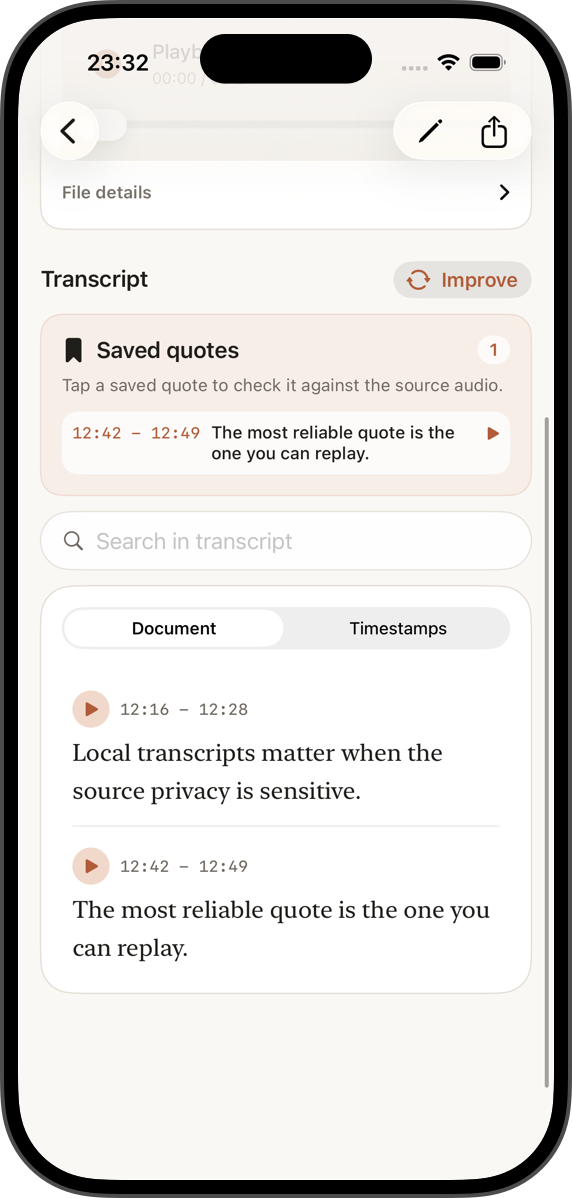
Use Document mode for reading and Timestamps mode when you need playback, edits, and quote checks.
Copy text, export TXT, keep timestamps, share bookmarked quotes, or create SRT and WebVTT subtitles with Pro access.
Good fit
Journalists, researchers, podcasters, students, and independent creators can keep sensitive source files out of generic meeting bots while still getting searchable transcripts.
Honest limits
Transcription quality depends on audio, language, noise, AI quality choice, and device performance. SaidInk helps you verify and correct the transcript; it does not promise perfect text.