
Record or import
Use SaidInk's recorder, Files import, or supported share handoff.
 SaidInk
Voice Memos to text
SaidInk gives iPhone recordings a second life: searchable text, local playback, inline edits, timestamp checks, and exports for notes, interviews, lectures, and drafts.
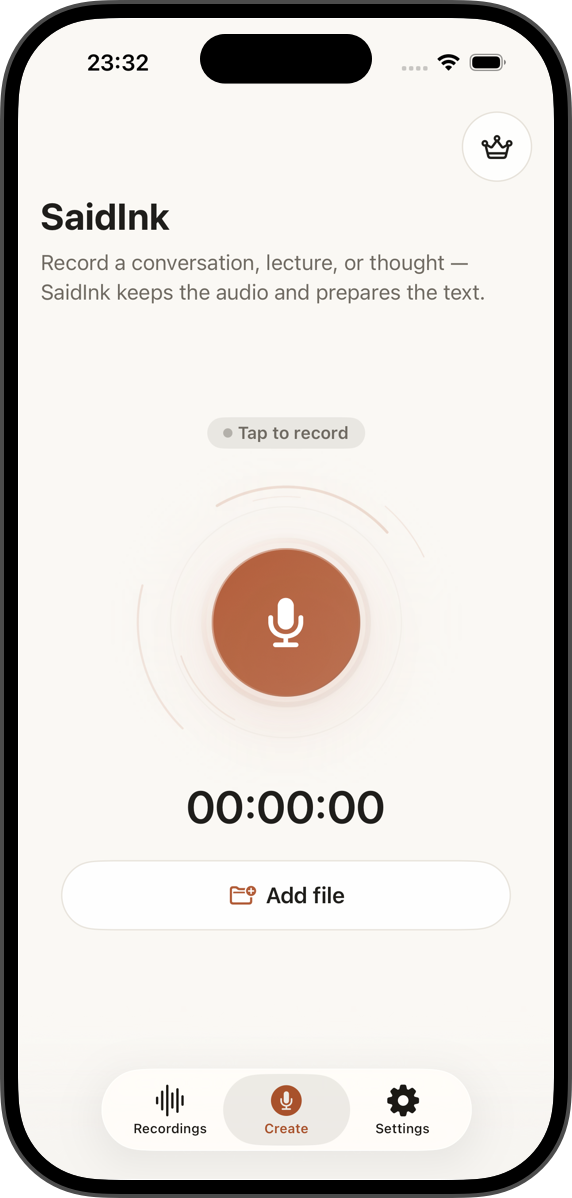
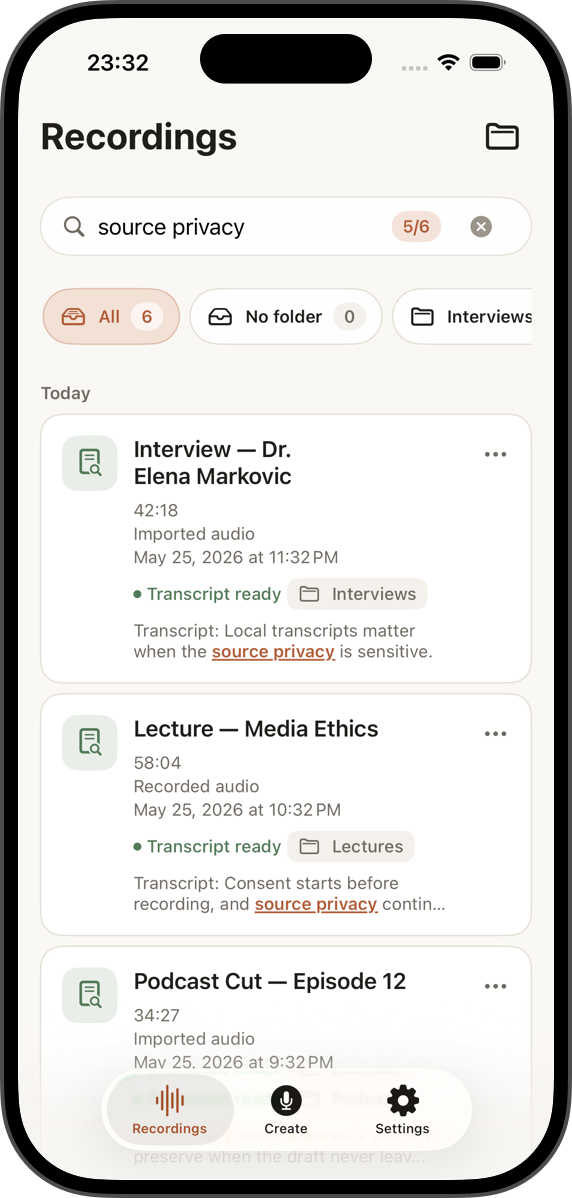
Use SaidInk's recorder, Files import, or supported share handoff.
Find a phrase later without replaying the whole recording.
Clean up the transcript, then copy or share the needed format.
After recording
Voice Memos are great for capturing ideas, interviews, field notes, and lectures. The hard part comes later: finding the right sentence, checking the original audio, and sharing text that someone else can read.
SaidInk is built for that second step. It keeps the audio and transcript together, then lets you work with the recording as a document.
How it works
Import audio from Files, bring supported shared audio into SaidInk, or record a new take directly.
Use auto language detection by default or choose a transcript language when you know it.
Read in Document mode, edit segments, search inside the recording, and replay from timestamps.
Copy the transcript or export TXT, timestamped TXT, bookmarked quotes, SRT, or WebVTT when Pro is active.
Use it for
SaidInk works best when a recording needs to become something you can search, edit, quote, or send onward.
Privacy boundary
Local AI quality transcription runs after the AI quality has been downloaded. Download providers may see normal download request metadata, but SaidInk does not send your audio or transcript to its own transcription server.